Cookies are text files stored on the device you use to visit our website. Some cookies are essential for our websites to work, others collect anonymous or personal information to allow us to improve our websites and to show you relevant content.
At JLL we use different types of cookies and you can read more about these below. By continuing to use our website you agree to our use of cookies. You do have the choice to limit the usage of some of these cookies.
Accept the use of cookies by clicking the Accept and close button at the bottom of the page.

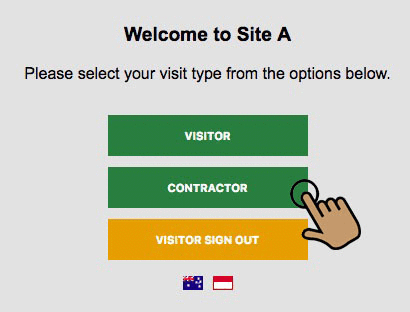 As a contractor you will be conducting work unsupervised, therefore it is important to understand your obligations while onsite.
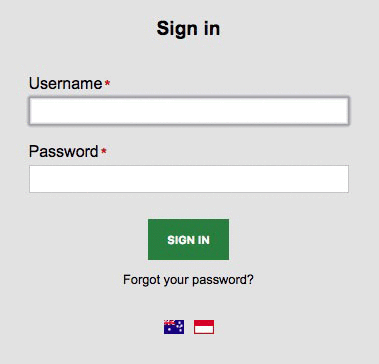 Sign in using your Username and Password that were emailed to you.
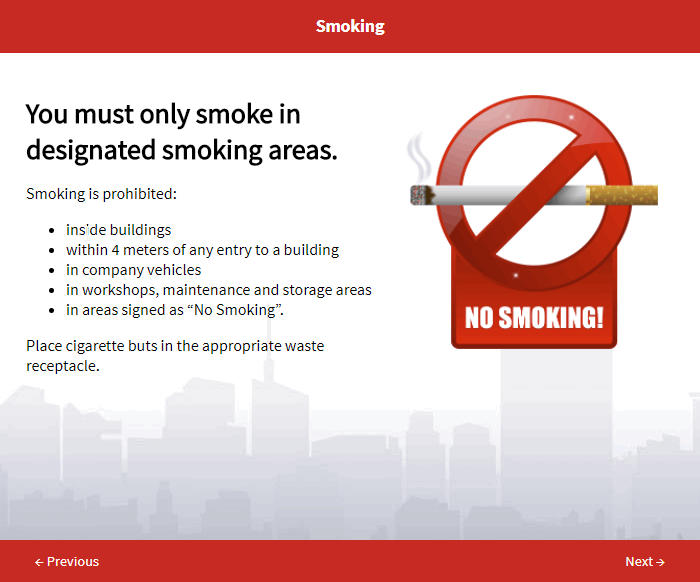 A site specific induction and assessment is required before conducting work.
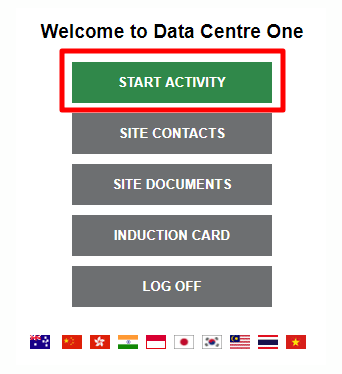 Each task you do on site is regarded as an "activity". Each activity will require its own risk assessment and work approvals.
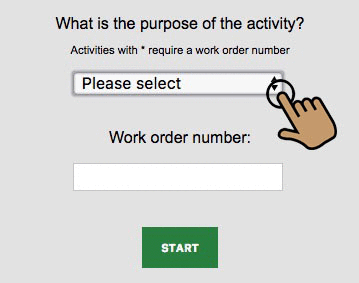 Select the type of activity that you will be doing from the drop down menu.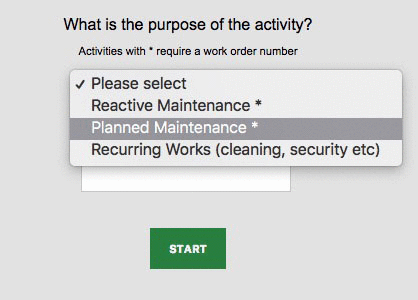
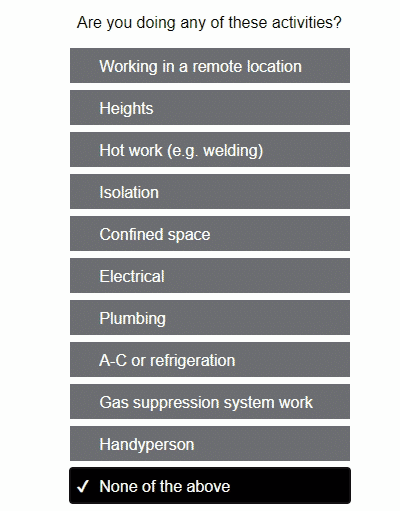 You will be asked to indicate if you are doing any high risk work activities, such as:
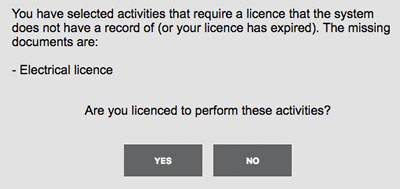 If you have selected an activity that requires a license or specific authorisation that you do not have prior approval for, you will be asked to provide details.
  Supply the required details and then click on the
 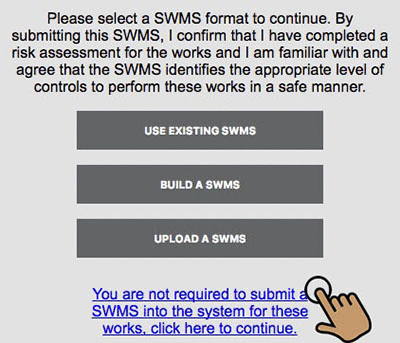 The next step is to provide details of how you will conduct the work activity safely. You can do this by:
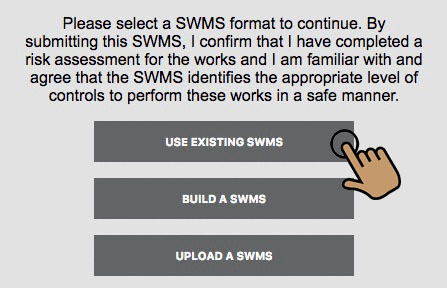 Use this option if you have previously logged into this site and either built or uploaded a SWMS for the same task.
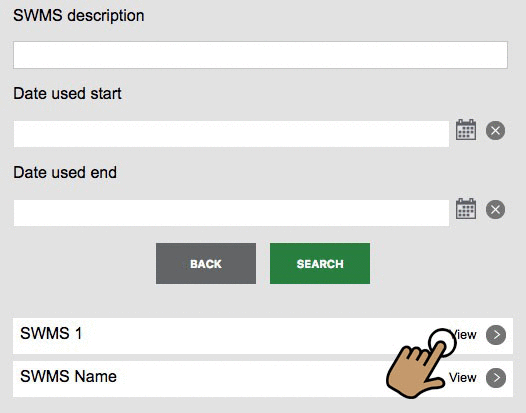 Search for the required SWMS by typing in the
 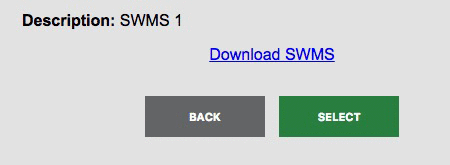 If the SWMS is suitable, click on the
 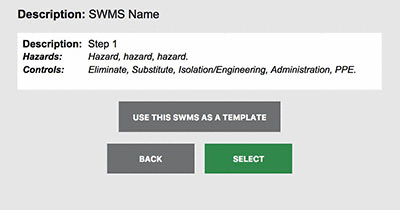 Depending on the format of the existing SWMS, you may also be given the option to use it as a template.
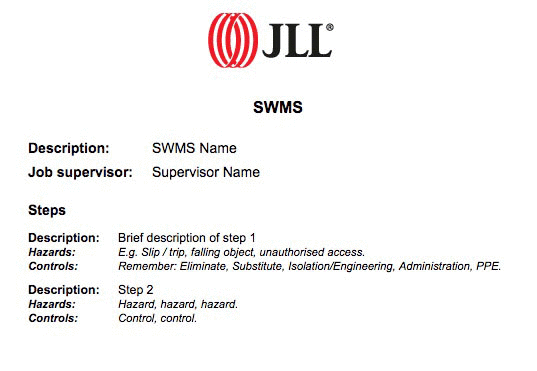
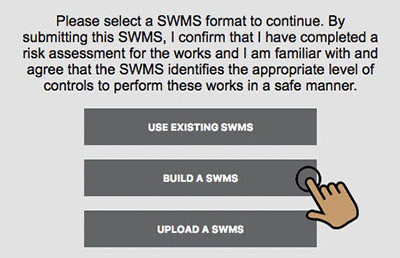 Use this option to build a new SWMS for the task.
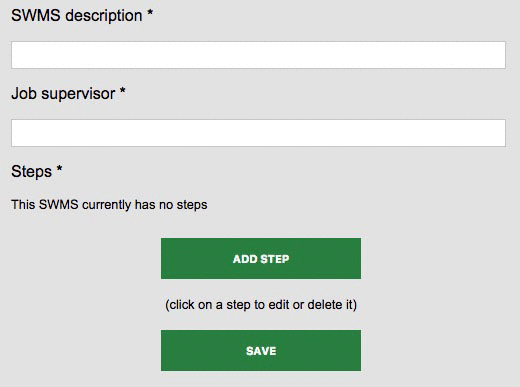 Give the SWMS a
 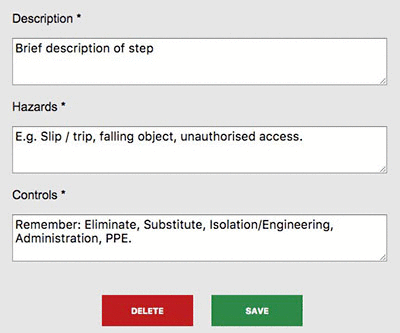 Briefly describe the first step in the
 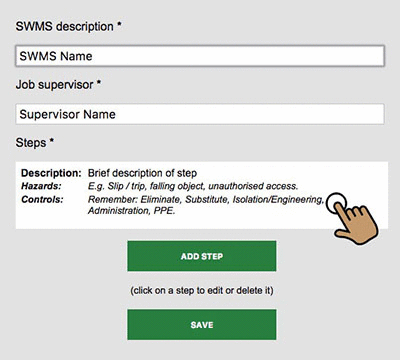 Click on a step to edit or delete it.
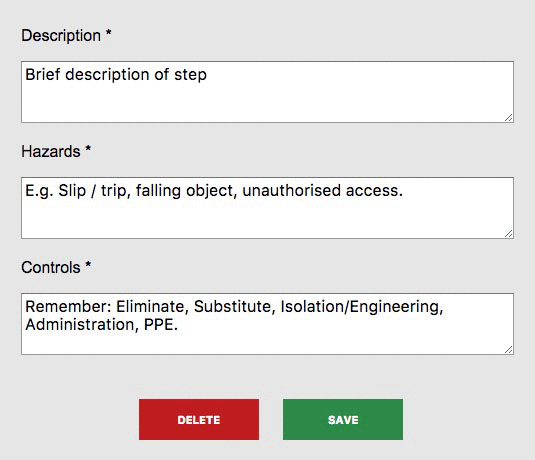 And then click on the
 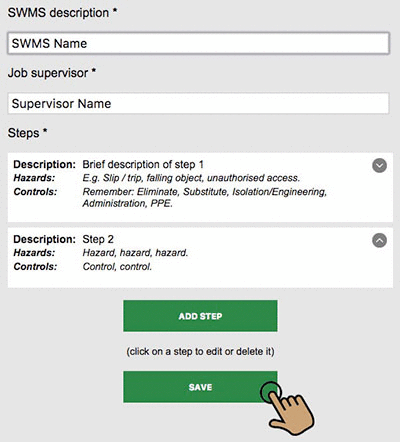 Repeat this process to cover each step of the task and complete the SWMS.
 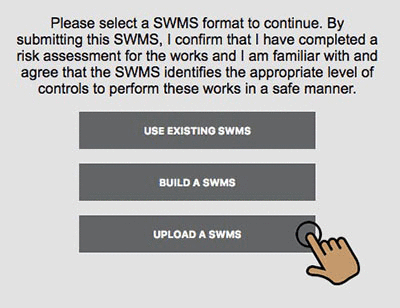 Use this option to upload a SWMS from your company's website, SWMS register, or your mobile device.
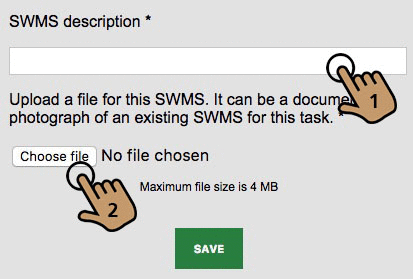 Type in a descriptive name for the SWMS.
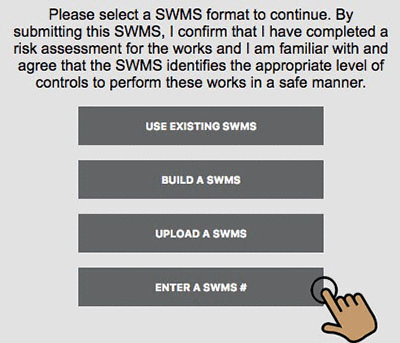 Where the Contractor has been set up in the system to allow SWMS by number, a fourth option will be available.
 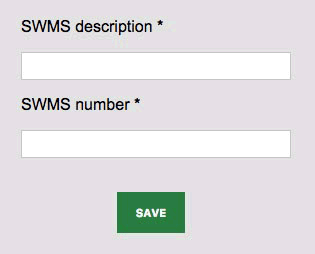 Type in the
 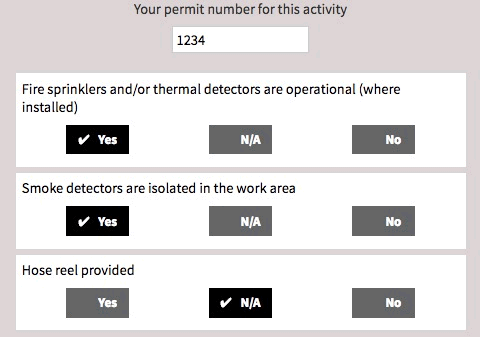 If you selected any high risk activities at Step 7, you will be asked to complete Permit details.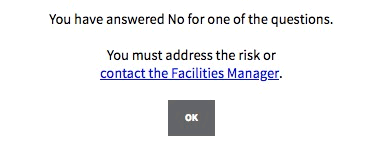
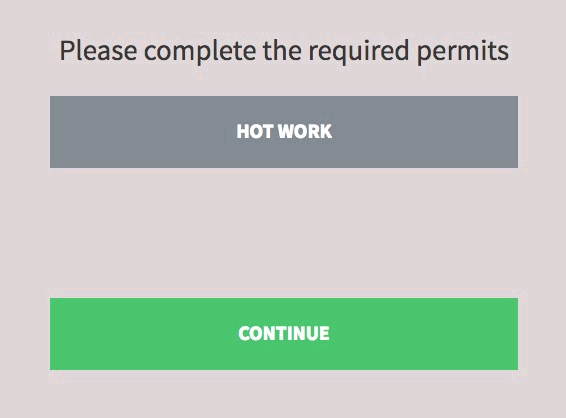
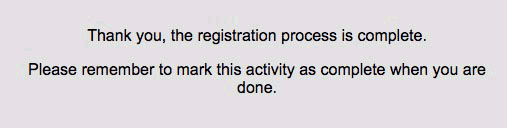 This concludes the Contractor sign in process.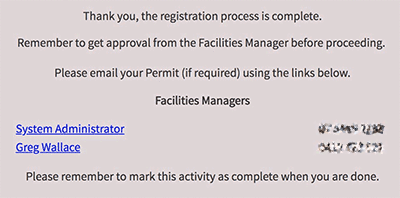
 From the Site Home Page you can review the: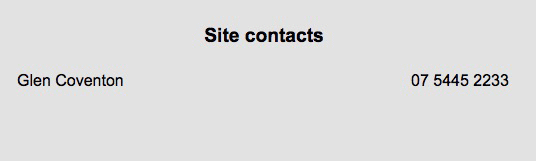

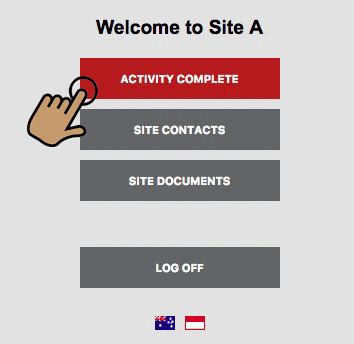 When the task is finished, return to the Site Home Page.